
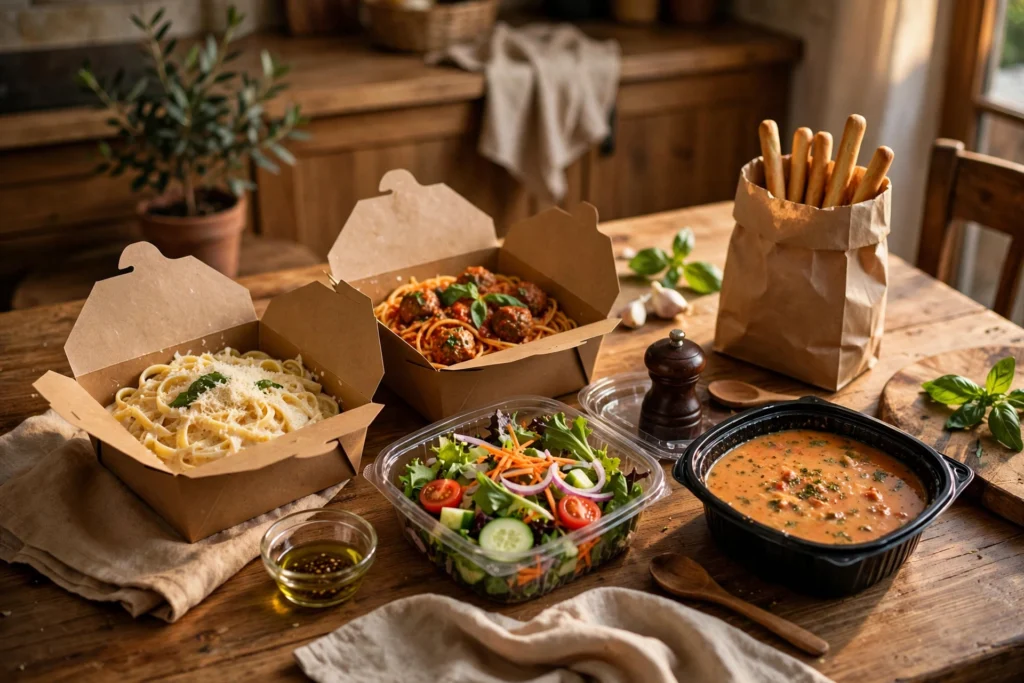
Olive Garden delivery brings the restaurant to your door: you order on OliveGarden.com or through the Olive Garden app, the kitchen cooks your food fresh, and an Uber Direct driver delivers it to your home or office. There is no need to drive anywhere, and the menu prices are the same as eating in the restaurant. This guide explains how Olive Garden delivery works, what it costs, how far it reaches, and how takeout and curbside pickup compare.
Delivery is now available nationwide at more than 900 Olive Garden restaurants, after a pilot in late 2024 and a full rollout completed in 2025. It covers addresses within 8 miles, for orders up to $350; larger orders go through catering instead. Takeout has been around far longer — online ordering for pickup dates back to 2014 — so this guide covers both.
The facts in this guide come from Olive Garden’s own published information — the delivery and car-side pickup amenities listed on its locations pages — and from Darden Restaurants, the company that owns Olive Garden, which described the delivery service in its published shareholder letter. Prices here are typical US prices, last listed in February 2026, and prices and fees vary by location — so your checkout total is the final word on what an order costs.
Table of Contents
- How Olive Garden Delivery Works
- How to Order Olive Garden Delivery Step by Step
- Olive Garden Delivery Fees: What It Costs
- Olive Garden Delivery Area: How Far Will It Go?
- What You Can Order for Olive Garden Delivery
- How to Order Olive Garden Takeout
- Olive Garden Curbside Pickup: How It Works
- Olive Garden Delivery vs Takeout: Which Is Better?
- How to Track Your Olive Garden Delivery Order
- Olive Garden Delivery for Family Meals and Catering
- What to Do If Something Is Wrong With Your Order
- Tips for the Best Olive Garden Delivery
- Olive Garden Delivery FAQ
How Olive Garden Delivery Works
Olive Garden delivery is a first-party service: you order on OliveGarden.com or in the Olive Garden app, pay there, and delivery is handled by Uber Direct, the delivery arm of Uber. Olive Garden does not run its own fleet of drivers, and the restaurant is not listed on Uber Eats — the order always starts on Olive Garden’s own website or app.
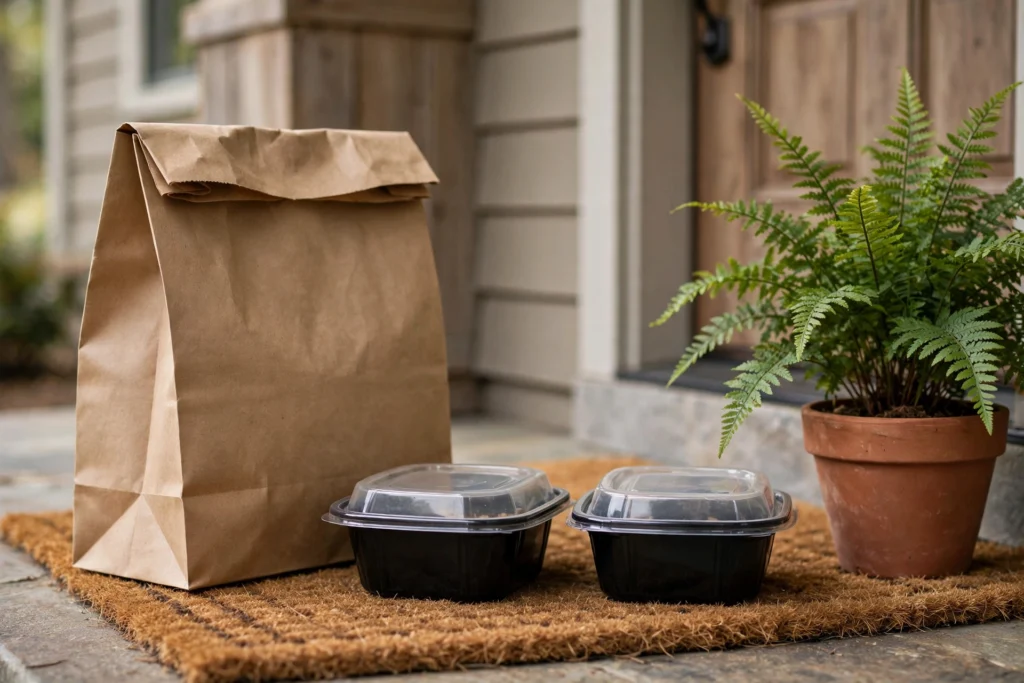
The idea is to keep the dining room calm. Instead of delivery drivers walking through the restaurant, staff carry the finished order out to the driver, who waits in a designated spot — the same car-side handoff used for takeout. The driver then brings the food to your door, and you can track the order to your delivery address.
The food costs the same as it does in the restaurant: delivery adds no markup to the menu prices. What you pay extra is the delivery fee, a service fee and a tip, shown at checkout before you pay. Delivery runs during restaurant hours, and the locations pages now list “Delivery” as an amenity, alongside car-side pickup and online ordering.
How to Order Olive Garden Delivery Step by Step
Ordering Olive Garden delivery takes a few minutes, and the steps are the same on the website and in the app. If you have ordered takeout before, the process will feel familiar — the only difference is that you enter a delivery address instead of choosing a pickup time.
- Go to OliveGarden.com or open the Olive Garden app, choose delivery, and enter your address to check you are within 8 miles.
- Browse the menu and add dishes to your cart. All entrées, lunch-sized dishes and family meals are available for delivery, at the same menu prices as dine-in.
- Customise your dishes where the menu allows it, for example by swapping a sauce or adding extra breadsticks.
- Review your cart, then go to checkout and confirm the delivery address and time.
- Check the fees — the delivery fee, the service fee and the tip — then pay online and place the order.
- Watch the tracking until the driver arrives, and check the bag at the door before the driver leaves.
There is no separate delivery menu to learn: the delivery menu is the regular Olive Garden menu. Lunch-sized dishes are available for delivery too. One thing to know before you start: the never-ending soup, salad and breadsticks deal is dine-in only, so it does not appear as a delivery option.
If the site says delivery is not available at your address, you are probably outside the 8-mile area. Try a different address, such as your office, or switch the same order to takeout or curbside pickup instead.
Olive Garden Delivery Fees: What It Costs
Delivery costs the food, plus three extras: a delivery fee, a service fee and a tip. The food itself is not marked up, so the charge is transparent — you can see exactly what the convenience costs before you pay.
| Cost | Amount | Notes |
|---|---|---|
| Menu prices | Same as dine-in | No markup on food ordered for delivery |
| Delivery fee | $4.99 flat fee at launch | Charged per delivery order |
| Service fee | Varies | Shown at checkout before you pay |
| Tip | Your choice | Added at checkout for the driver |
The delivery fee was a flat $4.99 when the service launched, plus a service fee and a tip for the driver. Fees can vary by location and by order, so treat $4.99 as the launch figure and check your own checkout total, which shows each fee separately before you pay.
Olive Garden has also run limited free-delivery promotions since the launch, so check the website or app for a current offer before you order. The 2 for $25 deal is not live at the time of writing. If you have an Olive Garden gift card, see our gift card guide before you pay.
Olive Garden Delivery Area: How Far Will It Go?
Olive Garden delivery reaches addresses within 8 miles of the restaurant. That is the limit set when the service launched, and it applies everywhere the service runs. The 8-mile limit keeps the food hot and fresh: a shorter drive means the pasta, soup and breadsticks arrive the way the kitchen meant them to.
The fastest way to check is to enter your address on OliveGarden.com or in the app. The site checks the distance to your nearest restaurant and tells you straight away whether delivery reaches you. The locations page also lists “Delivery” as an amenity where the service is offered.
What You Can Order for Olive Garden Delivery
Almost the whole Olive Garden menu is available for Olive Garden delivery. The restaurant has said that all entrées, lunch-sized dishes and family meals are available at the same menu prices as dine-in. That includes the dishes readers order most: Fettuccine Alfredo, Chicken Alfredo, Lasagna Classico, Tour of Italy and the soups, salads and breadsticks that come with them.
Some dishes travel better than others. Pasta in sauce, lasagna and chicken dishes hold their heat well, and soup travels in a sealed tub, while salad and breadsticks are packed separately. A family-style meal is a safe first order: the pans feed a group and cost less per person. See the family-style meals and the appetizers menu for dishes that work well shared.
The one thing you cannot get delivered is the never-ending deal. Unlimited soup, salad and breadsticks is a dine-in experience, so it is not offered for delivery or takeout. You can still order soup, salad and breadsticks in the regular sizes, and the lunch-size entrées are available too. The Olive Garden lunch menu shows the lunch-size dishes and prices.
How to Order Olive Garden Takeout
Olive Garden takeout is the older, simpler option, available since online ordering started in 2014. You order the same way — on the website, in the app or by phone — and instead of waiting for a driver, you drive to the restaurant and pick the food up yourself. There is no delivery fee, no service fee and no tip, so takeout is the cheapest way to eat Olive Garden at home.
Online ordering runs from 11:00 AM to 10:40 PM, a little before the dining room closes. The restaurant is open from 11:00 AM to 10:00 PM from Sunday to Thursday and until 11:00 PM on Friday and Saturday, and lunch runs Monday to Friday from 11:00 AM to 3:00 PM. A weekday lunch takeout is good value: the lunch-size entrées cost less than dinner, and the Soup, Salad & Breadsticks lunch is $13.49. See our Olive Garden hours guide for the full schedule.
Olive Garden Curbside Pickup: How It Works
Olive Garden curbside pickup, also called car-side pickup, is takeout without leaving your car. You order online or in the app, choose the car-side option, drive to the restaurant at your pickup time, and park in a designated pickup spot. A team member brings the food out to your car, so you never have to go inside. The restaurant’s own locations pages list “Car-side Pickup Available” where the service is offered.
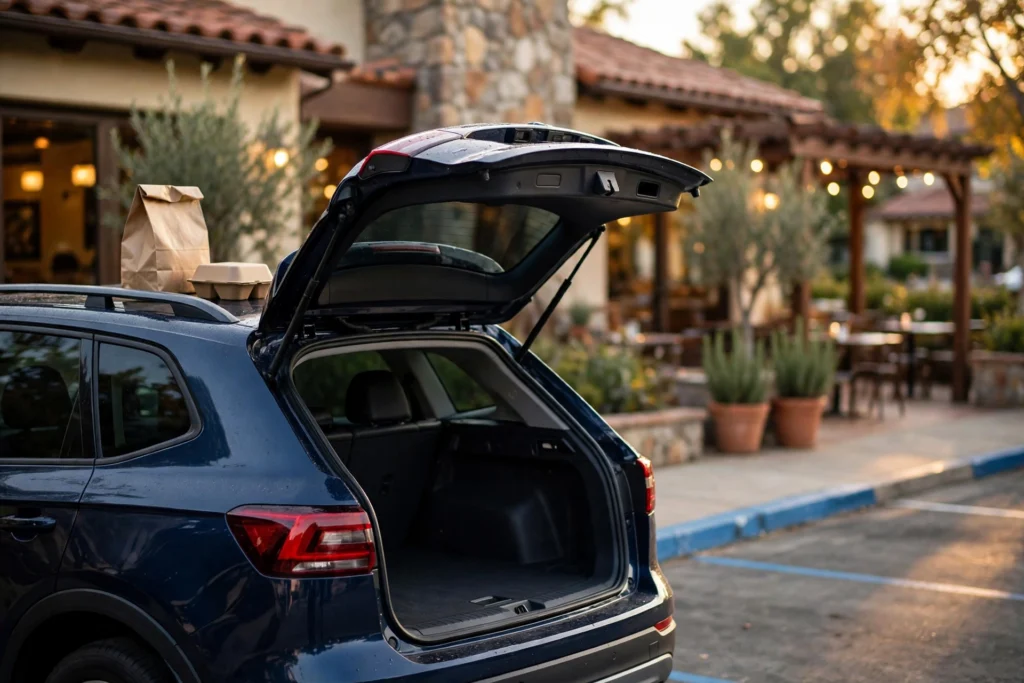
The steps are simple: place the order, pick the car-side option at checkout, and follow the instructions for your pickup spot. Most locations ask you to park in a marked spot and, if needed, call the number on your confirmation so the team knows you have arrived. The same car-side handoff is used for delivery drivers.
Not every restaurant has the same pickup setup, so check your own location’s page before you go. Some have a dedicated car-side window or marked spots, while others use the counter inside. If car-side pickup is not listed, counter pickup is the fallback.
Olive Garden Delivery vs Takeout: Which Is Better?
Delivery and takeout serve the same food at the same menu prices, so the choice comes down to cost, effort and timing. Delivery costs more but asks nothing of you; takeout costs less but needs a drive.
| Delivery | Takeout | |
|---|---|---|
| Menu prices | Same as dine-in | Same as dine-in |
| Extra fees | Delivery fee + service fee + tip | No delivery or service fee |
| You travel | No, it comes to you | Yes, you drive to the restaurant |
| Best for | No car, bad weather, busy nights | Saving money, picking up on the way home |
Choose delivery when you have no car, the weather is bad, you are feeding a group, or you simply do not want to leave the house. The fees are the price of that convenience, and for a family order they are a small share of the total. Choose takeout when you live close to the restaurant or you want the lowest total — a single lunch is the clearest case, because the fees can add a large share to a small order.
Curbside pickup sits between the two: it costs the same as takeout, but it saves the walk inside. Note that the happy hour menu is priced for dining in, so check that guide before assuming a deal applies to a delivery or takeout order.
How to Track Your Olive Garden Delivery Order
After you place an Olive Garden delivery order, you can track it all the way to your delivery address. Darden, the company that owns Olive Garden, has said that guests can follow their order on the website or in the app, using the delivery partner’s tracking, from the kitchen to the door.
Keep your order confirmation until the food arrives: it has the order number, and if the tracking stalls or the food is late, that is what the restaurant will ask for. Tracking can pause for a few minutes while the driver collects the order, so a short gap is normal. If the order is very late, call the restaurant directly and give the order number.
Olive Garden Delivery for Family Meals and Catering
Olive Garden delivery works well for a family meal, because the family-style dishes are made to travel and to feed a group. Family meals come in pans that serve several people, and the delivery cap of $350 is high enough for most family dinners. The family-style meals page lists the pan dishes, and the catering menu lists the larger pans.
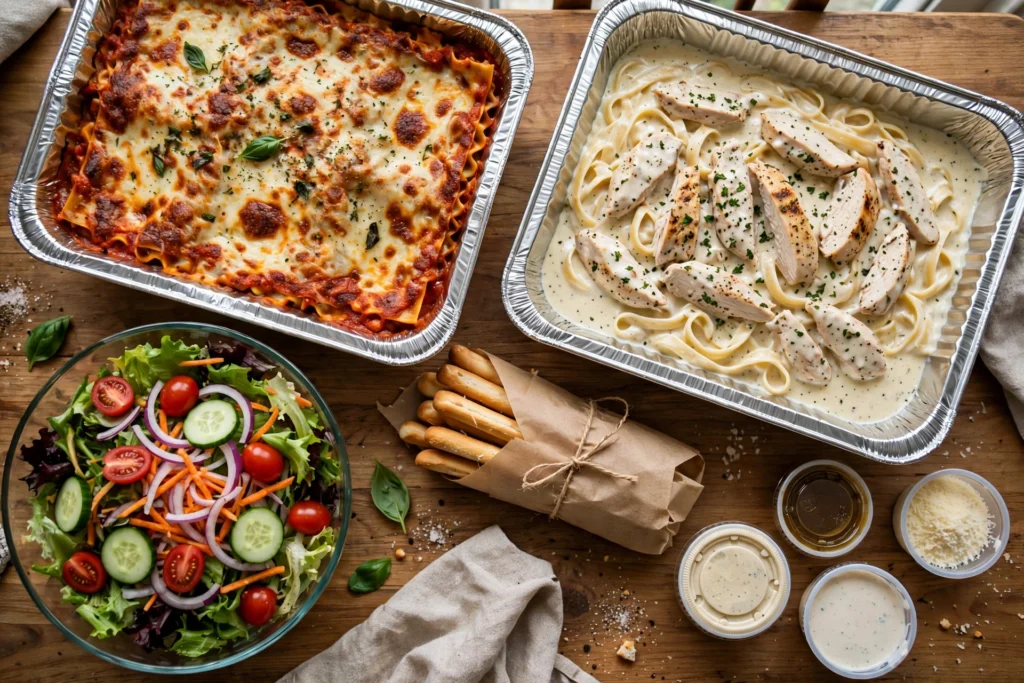
For a bigger event — an office lunch, a birthday, a holiday gathering — catering is the right channel. Catering orders are larger, they are ordered ahead, and they can be delivered the next day, which is how Olive Garden handles orders above the $350 delivery cap. Catering pickup runs from 11:00 AM to 10:40 PM and catering delivery from 11:00 AM to 10:00 PM, per the restaurant’s own locations pages. See the Olive Garden catering guide for pan sizes, servings and prices.
A family delivery needs a little planning: order early on a Friday or Saturday evening, when the kitchen is busiest. Pans serve 4 to 6 people, and the large lasagna serves up to 12, so count your guests.
What to Do If Something Is Wrong With Your Order
Most orders arrive complete and hot, but if something is wrong, act quickly and keep the order details. Check the bag at the door, before the driver leaves, and check the containers against your confirmation. A missing item, a wrong dish or a cold order is much easier to sort out in the first few minutes than an hour later.
If something is missing or wrong, call the restaurant that cooked the order straight away — the number is on the restaurant’s locations page, and the order number on your confirmation is what the team will ask for. Explain what is wrong and what you ordered, and let the restaurant tell you what it can do. Do not throw the food away before you call.
Tips for the Best Olive Garden Delivery
Time the order well. The kitchen is busiest on Friday and Saturday evenings and on holidays, so ordering early — or picking a delivery time before the dinner rush — means your Olive Garden delivery arrives sooner and hotter. The restaurant is closed on Thanksgiving Day and Christmas Day, so there is no delivery at all on those two days. The hours guide lists every 2026 holiday.
When the food arrives, serve the pasta straight away and keep the breadsticks in their bag, so they stay warm. If you reheat pasta later, warm it in a pan with a splash of water rather than in the microwave, which dries the sauce out. Check the checkout screen for a current promotion before you pay — Olive Garden has run free-delivery offers since the launch.
Olive Garden Delivery FAQ
Quick answers to the questions readers ask most about Olive Garden delivery and takeout.
Does Olive Garden deliver?
Yes. Olive Garden delivery is available nationwide at more than 900 restaurants. Order on OliveGarden.com or through the Olive Garden app, and an Uber Direct driver brings the food to your door — within 8 miles, for orders up to $350.
How much does Olive Garden delivery cost?
Olive Garden delivery charges the same menu prices as dine-in, with no markup on the food. On top of the food, you pay a flat $4.99 delivery fee, a service fee and a tip. The service fee varies, so your checkout total shows the exact amount.
Does Olive Garden deliver through DoorDash or Uber Eats?
No. Olive Garden runs its own first-party delivery service: order on OliveGarden.com or the Olive Garden app, and the delivery is handled by Uber Direct. Olive Garden is not listed on Uber Eats.
How far will Olive Garden deliver?
Delivery covers addresses within 8 miles of the restaurant. Enter your delivery address on OliveGarden.com or in the app and it will tell you straight away whether delivery reaches you. If you are outside the area, takeout or curbside pickup is the alternative.
Can I get Olive Garden takeout or curbside pickup?
Yes. Olive Garden takeout has been available since online ordering started in 2014. Order on the website, in the app or by phone, then pick your food up inside at the counter or car-side, where staff bring it to your car. Online ordering runs 11:00 AM to 10:40 PM.
What can you not get with Olive Garden delivery?
The never-ending soup, salad and breadsticks deal is dine-in only and is not available for delivery. Delivery orders are also capped at $350, so a bigger order goes through the catering service instead, which delivers the next day.
How do I track my Olive Garden delivery order?
After you order on OliveGarden.com or in the app, you can track your order all the way to your delivery address. The site or app shows the order status and the driver’s progress.
Is Olive Garden delivery available on Thanksgiving and Christmas?
No. Olive Garden is closed all day on Thanksgiving Day, Thursday 26 November 2026, and on Christmas Day, Friday 25 December 2026, so there is no delivery or takeout on those two days.